Display, window, or region
Record a whole display, one window, or an area you drag out. Screenshots use the same choices.
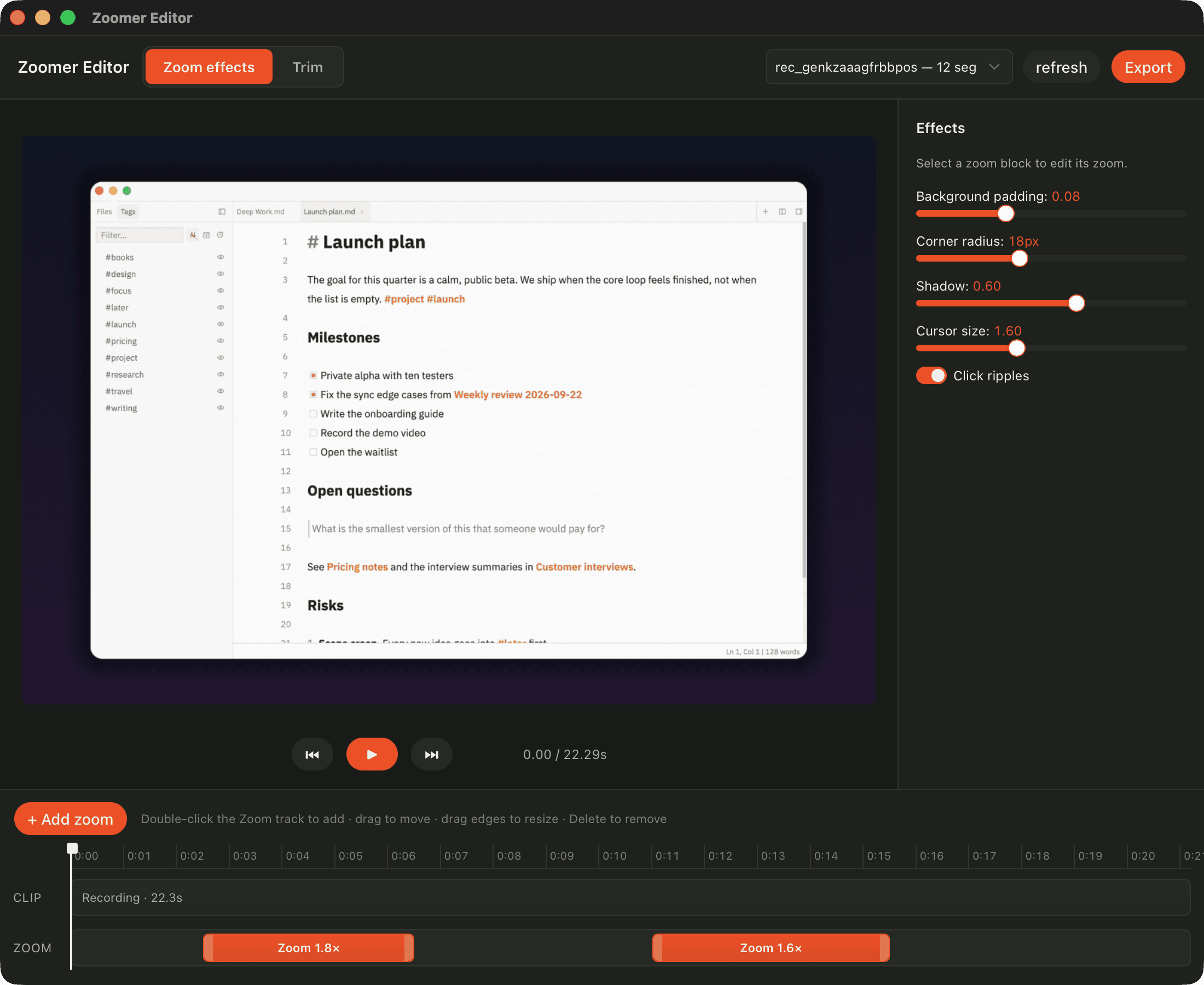
Capture a display, window, or region with system audio. In zoom mode, Zoomer zooms in where you click. Take, mark up, and share screenshots in the same app.
Download for MacFree plan · macOS 13 or later · Apple Silicon and Intel
Zoomer is 30 MB on disk and exports up to 4K at 60 fps with Zoomer Pro. It runs on Apple Silicon and Intel Macs.
App size of Zoomer 0.5.148, measured on 2026-10-01 on a MacBook Pro with M5 Pro running macOS 27.
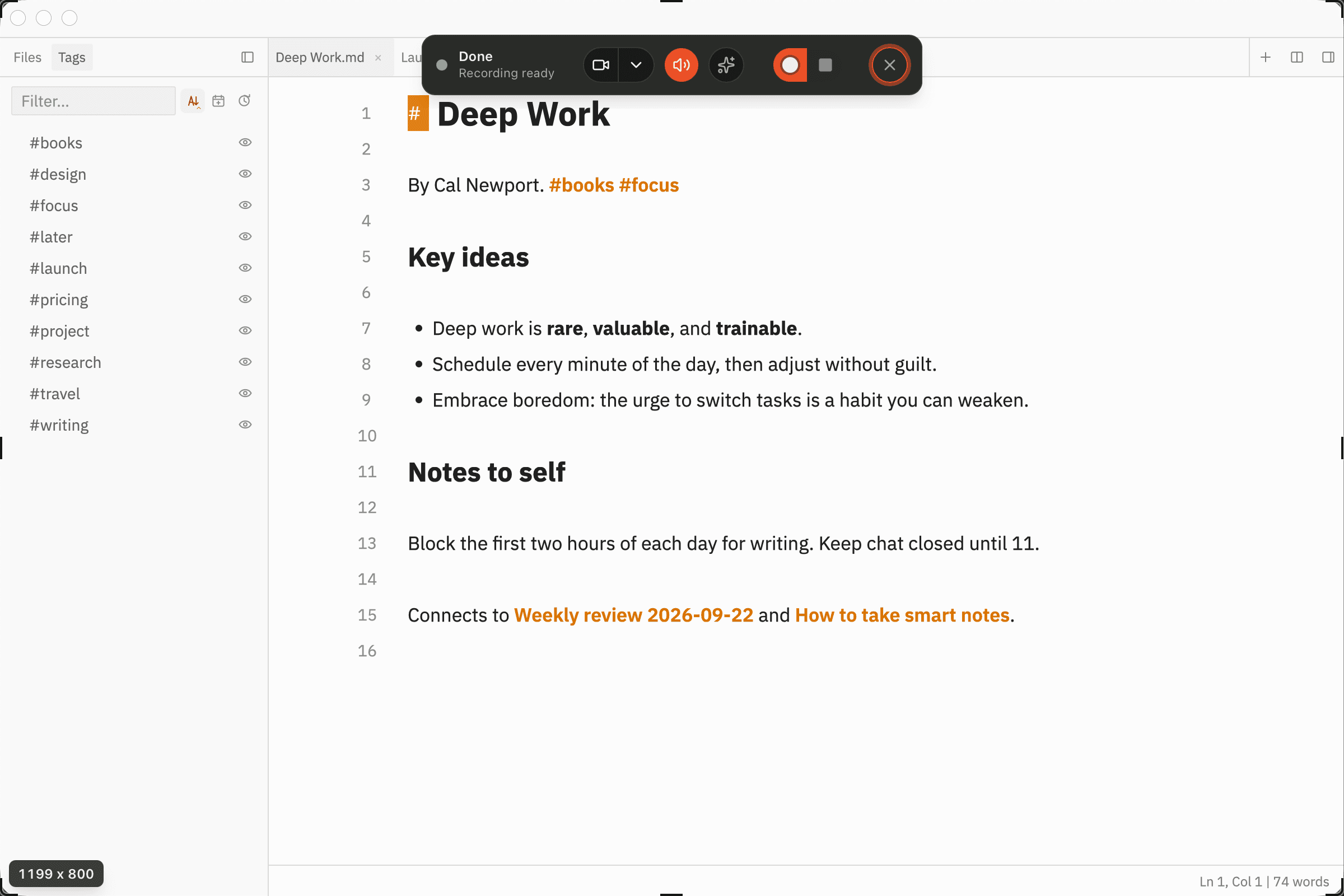
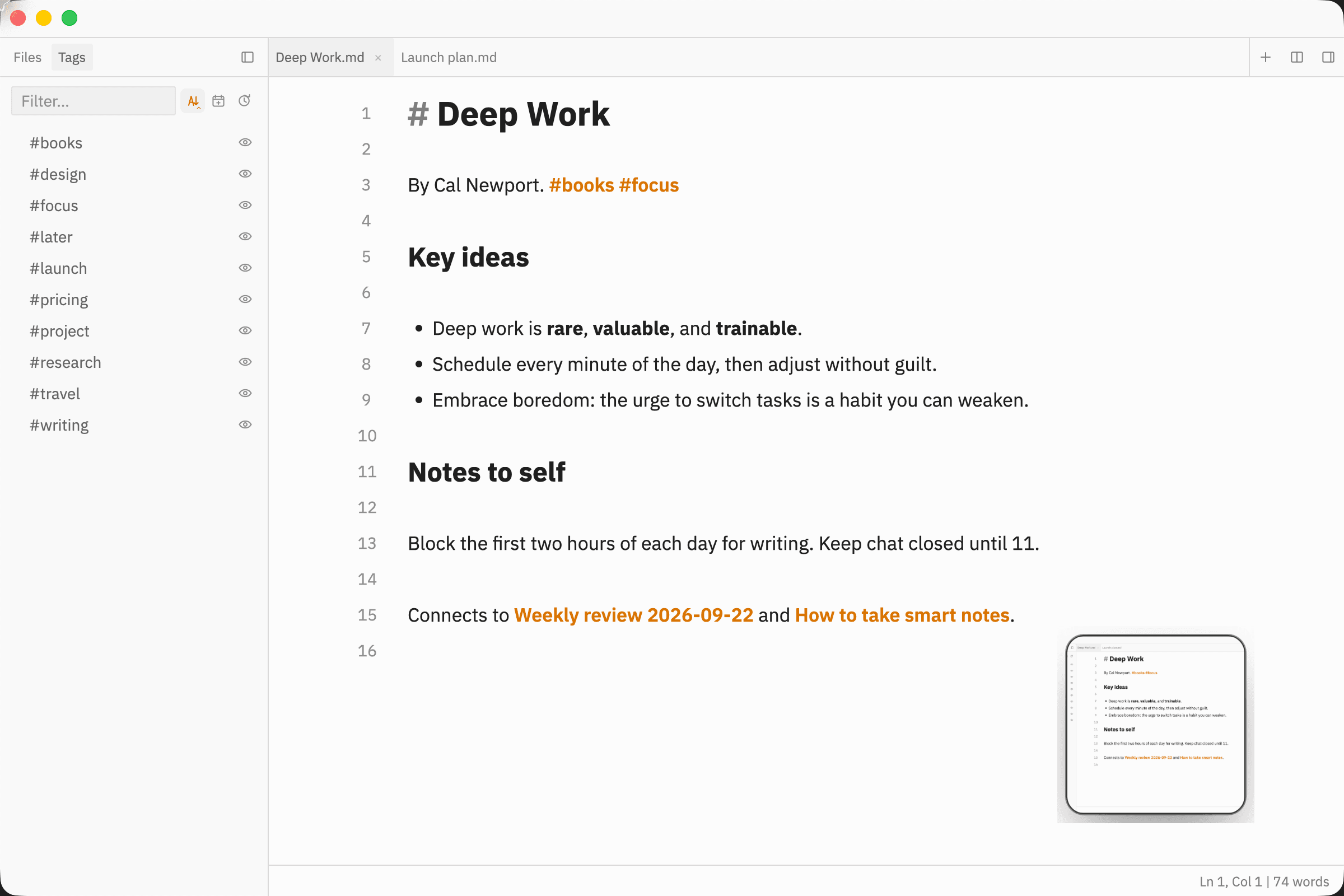
Record a whole display, one window, or an area you drag out. Screenshots use the same choices.
Record your microphone and the sound your Mac plays in one track, and add a camera bubble from a connected camera.
Switch the editor to Trim and cut the parts you do not need before you export.
In zoom mode, Zoomer redraws the cursor at the size you choose, hides it when it stops, and shows a ripple on each click.
Export in the original shape, 16:9, square, or vertical. Set the padding, corner radius, and shadow around the video.
Drag over any part of the screen and Zoomer copies the text in it. Apple Vision reads the text on your Mac.
Draw arrows, rectangles, ellipses, and freehand lines, or add text, in eight colors. Then copy the result or save it.
Press ⌘⇧3 for the full screen, ⌘⇧4 for an area, or ⌘⇧5 to record. The Raycast extension starts captures and opens recent ones.
Add a video file from your Mac or the web. Zoomer converts it to play in any browser.
Upload a screenshot or recording to zoomer.studio and send the link. Screenshot links are on the Free plan, and recording links need Zoomer Pro. Make a link private again at any time.
Zoomer runs an MCP server on your Mac. Claude Code and other MCP clients can list recordings, cut them, add zooms, and export, and each edit shows up live in the editor.
Turn on zoom mode before you record. Zoomer notes each click, then eases in and out of it with spring motion.
Screen Studio records. CleanShot X takes screenshots. Zoomer does both, and Labs Pro unlocks Zoomer Pro and Clak Pro for $20 a month.
| Feature | Zoomer | Screen Studio | CleanShot X | Shotbase |
|---|---|---|---|---|
| Monthly price | $20 | $29 | $12 per user | $25 |
| Yearly price | $160 | $108 | $120 per user | $156 |
| Free plan | No time limit | Not listed | Not listed | 7-day trial |
| Recording with automatic zooms | Yes | Yes | Yes | Yes |
| Screenshots | Yes | Not listed | Yes | Yes |
| Screenshot annotation | Yes | Not listed | Yes | Yes |
| Text recognition (OCR) | Yes | Not listed | Yes | Not listed |
| Share links | Yes | Yes | Yes | Yes |
| 4K exports | Yes | Yes | Yes | Not listed |
| GIF export | Yes | Yes | Yes | Not listed |
| Microphone recording | Yes | Yes | Yes | Not listed |
| Motion blur | Yes | Yes | Yes | Not listed |
| Square and vertical video | Yes | Yes | Yes | Not listed |
| Edit with an AI agent (MCP) | Yes | Not listed | Not listed | Not listed |
| Clak included | With Labs Pro | Not listed | Not listed | Not listed |
Prices in USD from each product's website, checked 2026-10-01. A dash means the product's website does not list the feature. Yearly prices are the yearly plan's total for one year.
Zoomer has no seats, invites, admin console, or sales calls. Every feature is for the person who records.
Start on the Free plan. Labs Pro adds Zoomer Pro with recording links, 4K exports, and the option to remove watermarks, plus Clak Pro.
Zoomer for Mac
Download for MacFree plan · macOS 13 or later · Apple Silicon and Intel · Automatic updates
$0forever
$10per month
or $96 per year
$20per month
or $160 per year
$30per month
or $240 per year
Yes. The Free plan has no time limit. It includes screenshots, recordings up to 10 minutes, and 1080p exports at 30 fps with a watermark. Zoomer Pro comes with Galactus Labs Pro, which costs $20 per month or $160 per year.
Zoomer records with automatic zooms like Screen Studio, and it takes, annotates, and shares screenshots like CleanShot X. Both are in one app. Zoomer has a Free plan, and Zoomer Pro comes with Labs Pro for $20 per month.
No. Zoomer is built for one person, with no seats, invites, or admin settings. Labs Pro includes Zoomer Pro and Clak Pro for $20 per month.
Macs with Apple Silicon or Intel chips running macOS 13 or later. The download button picks the right build for your Mac.
Turn on zoom mode in the recorder before you record. Zoomer records your clicks and places a zoom on them. You can move, resize, add, or remove zooms in the editor.
Sign in, publish the recording to zoomer.studio, and copy its link. Recording links need Zoomer Pro. Screenshot links are on the Free plan. You can make a link private again at any time.
Yes. While Zoomer is open, it runs an MCP server on your Mac and writes its address and token to ~/Library/Application Support/Zoomer/mcp.json. Add that server to Claude Code or another MCP client, and the agent can cut, zoom, and export your recordings.
Yes. Pick a microphone in the recorder. Zoomer mixes it with the sound your Mac plays into one audio track.
